


Key Performance Specifications
-
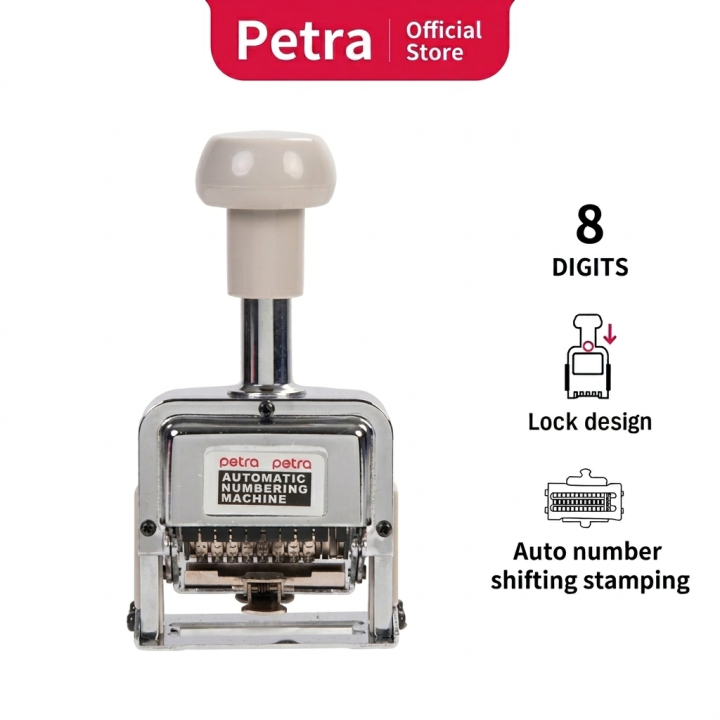
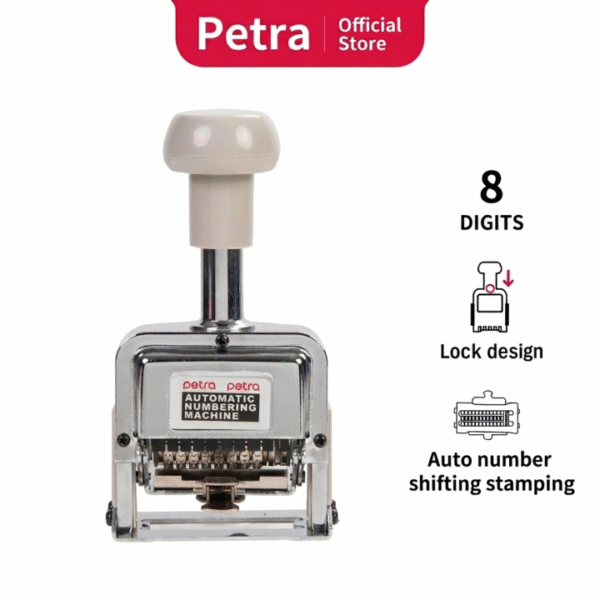
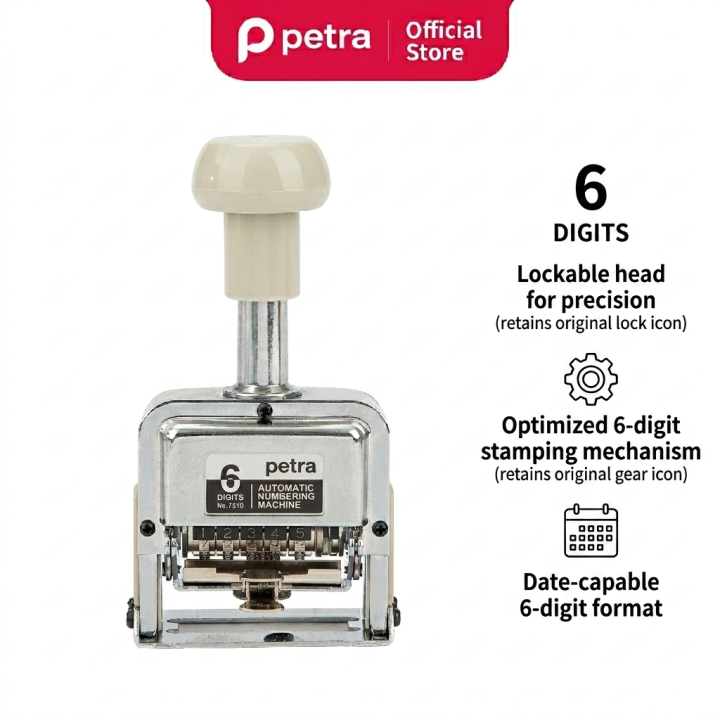
Digit Capacity: 8 rotating wheels allowing sequential serialization from 00000001 up to 99999999.
-
Frame Build: High-strength stainless steel structure paired with a chrome polish finish to handle heavy impacts in warehouses and mailrooms.
-
Inking System: Integrated self-inking felt cartridge that automatically inks the metal typefaces between every single compression.
-
Ergonomics: Wide, shock-absorbing top handle that reduces palm strain during high-volume operations.
Advanced Movement Settings (Multi-Shift System)
The machine features an adjustable internal action-indicator lever. This permits the operator to set how many times a single number stamps before advancing to the next sequential digit:
-
Consecutive (0): Advances by 1 on every single stamp (e.g., 1001, 1002, 1003).
-
Repeat (0): Locks the current sequence to stamp the exact same number indefinitely.
-
Duplicate (2): Stamps the same number twice before advancing (ideal for carbon copy or duplicate invoicing).
-
Multi-Repeat: Configurable to shift digits automatically after 3, 4, 6, or 12 continuous impressions.
Step-by-Step Operation Guide
-
Locking the Frame: Compress the handle halfway down and push the side lock button. This locks the digit wheels away from the ink pad for safe configuration.
-
Setting the Starting Number: Use the included plastic stylus stick to rotate the metal wheels forward until your chosen starting number is aligned.
-
Dropping the Ciphers (Leading Zeros): If you prefer to print 45 instead of 00000045, press the leading zero wheels slightly forward and downward using the stylus to drop them out of printing alignment.
-
Priming the Ink: Slide out the ink pad cradle, apply 5–6 drops of oil-based metal stamping ink evenly across the pad surface, and slide it securely back into place.
-
Stamping: Release the frame lock by firmly pushing the handle all the way down once. Align the base plate indicator rails with your document lines and stamp using a smooth, fluid vertical motion