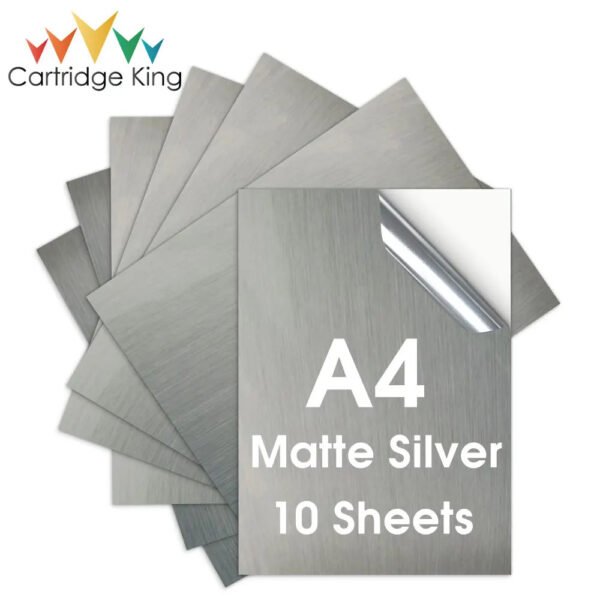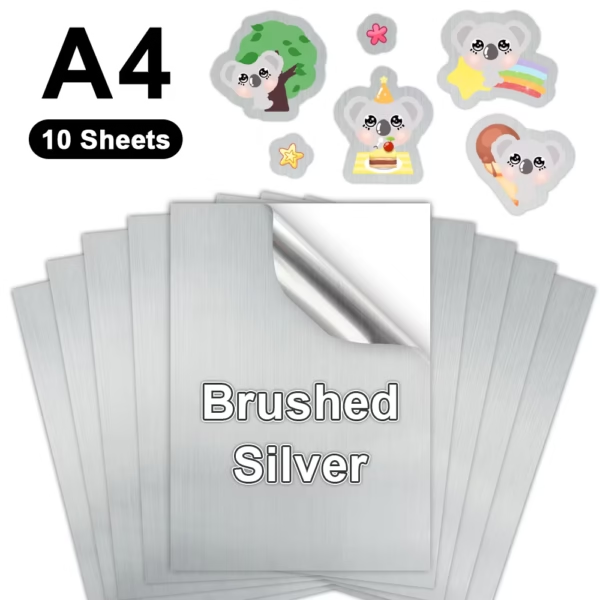
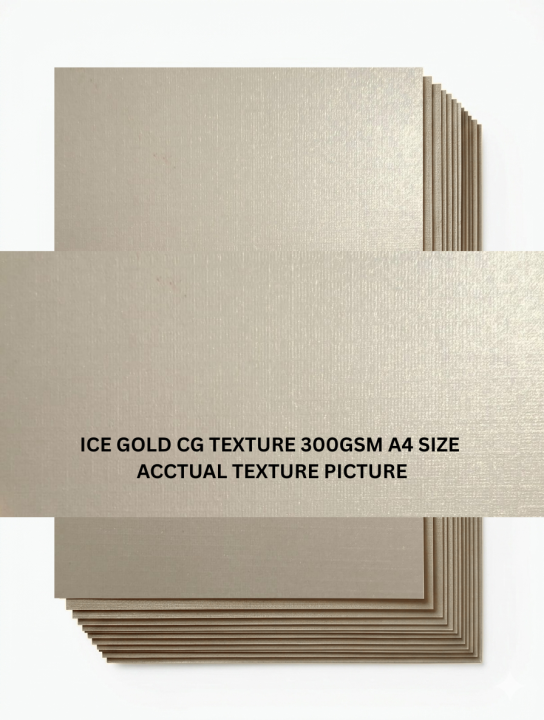


Ice Gold CG Texture 300GSM A4 Paper 10-Sheet Pack
🖨️ Printer Settings & Compatibility
-
Laser Printers: Best results. Heat fuses the toner perfectly onto the metallic surface without smudging.
-
Inkjet Printers: High risk of smudging. Use pigment-based inks instead of dye-based inks, and allow the sheets to dry for at least 30 minutes before touching them.
-
Media Weight Settings: Always change your printer driver setting from “Plain Paper” to “Heavy Cardstock”, “Labels”, or “Thick 300g”. This slows down the feeding mechanism and prevents paper jams.
-
Manual Feed Tray: Feed the sheets one by one through your printer’s manual bypass tray rather than stacking them in the main cassette.
✂️ Cutting & Crafting Tips
-
Scoring Before Folding: Do not fold this cardstock directly, or the metallic coating will crack. Use a bone folder and a ruler to crease a line (score) first.
-
Adhesive Selection: Standard liquid school glue will warp this paper. Use high-tack double-sided tape, glue dots, or premium craft glue for clean bonding.
-
Cutting Tools: Use a sharp utility knife or a heavy-duty paper guillotine. Dull blades will fray the fibrous edges of 300GSM paper.
🎨 Design Best Practices
-
Use White Space: Leave parts of your design empty so the gold shimmer shows through the artwork.
-
Avoid Solid Dark Backgrounds: Heavy black or dark blue backgrounds will block out the metallic effect entirely. Use dark colors only for text and line art.